The Enhanced Care Toolkit: Observation Form Feature
The Complete Care Toolkit: Introducing Our New Observation Form Feature
At DSC Software, we are committed to being your helpful technology partner.
We’ve been listening closely to our community of providers, and based directly on your feedback, we have developed a more comprehensive tool to manage complex care needs: the Observation Form.
This isn't just about capturing records; it’s about providing an end-to-end solution that helps your staff to focus on what matters most—delivering exceptional care.
A Comprehensive Suite for Every Care Need
We’ve expanded our platform to ensure you have a more robust toolkit in the industry. The Observation Form allows support workers to record critical data directly within the client’s profile, replacing messy paper logs with intuitive, digital workflows.
-
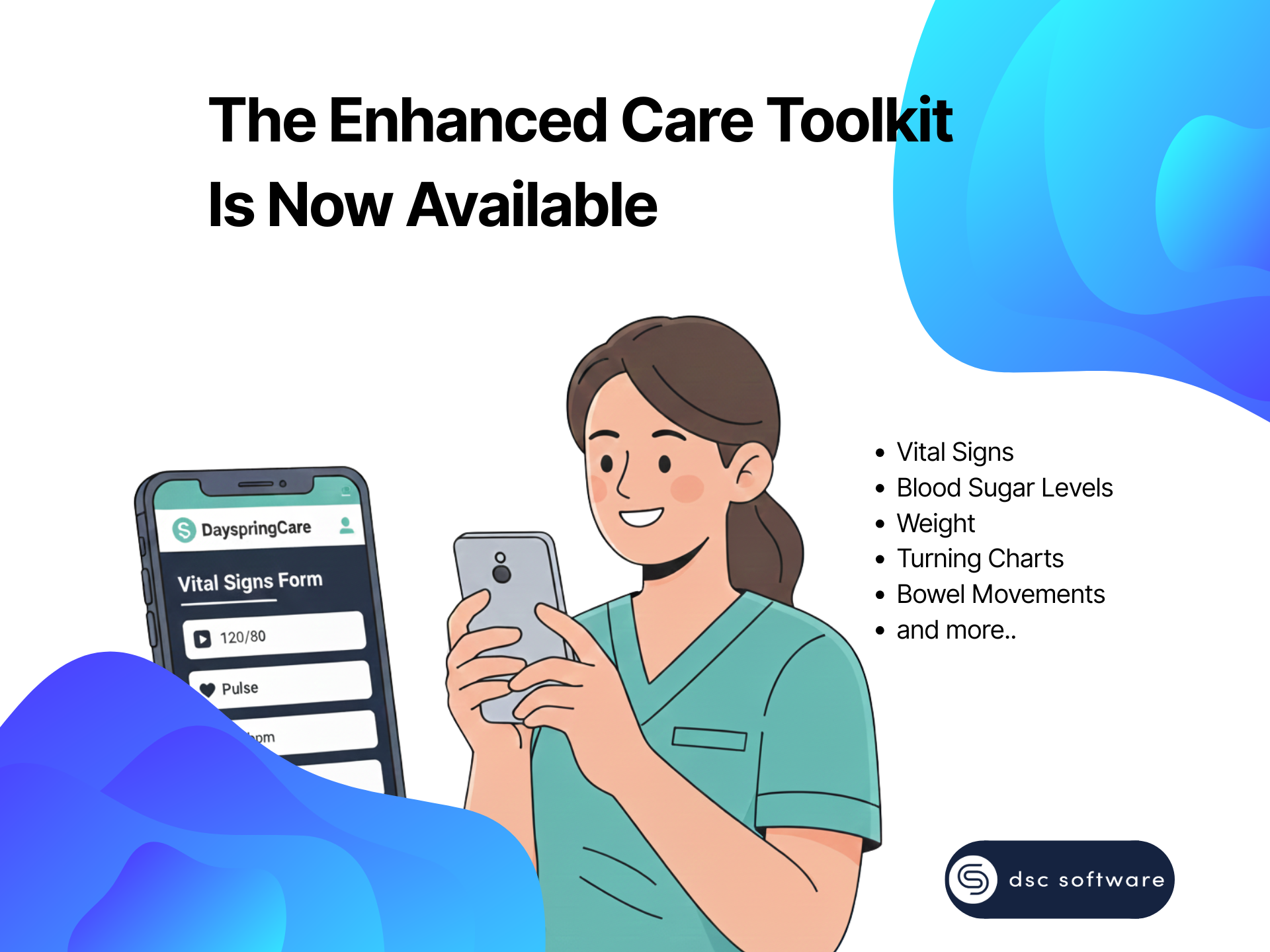
Clinical Care Toolkit: Capture vital signs (BP, Pulse, O2), Blood Sugar Levels (BGL), weight, and turning charts to ensure health stability.
-
Personal Care Management: Track bowel movements (using the Bristol Stool Scale), food and fluid intake, and detailed input/output logs.
-
Behavioural & Safety Tools: Stay compliance-ready with NDIS Behaviour Observation logs, ABC Charts, and environment risk assessments.
Why This Tool "Changes the Game"
By integrating these forms into our user-friendly app , we are helping you streamline operations and reduce the "chaos" of NDIS & Aged Care administration.
-
Direct & Actionable: Staff can "Fill Form" instantly during a shift, ensuring accuracy and "reducing human error".
-
Audit Readiness: Every entry is timestamped and linked to the client profile, making NDIS Practice Standards and audits much easier to manage.
-
Empowered Staff: Support workers have the tools they need at their fingertips, reducing the stress of manual reporting and staff burnout.
Simple Setup, Immediate Impact
For Admins & Managers:
-
Navigate to the Client Profile page > Client Care section > Observations tab.
-
Click +Add Item to select the specific observation type your client requires.
-
Set the frequency (Repeat Days) and save. The schedule is now live for your team!
For Support Workers on the Go:
-
Open the DSC Support Worker App and go to Job Details for your shift.
-
Tap the Schedule card and select Open Link.
-
Complete the required fields (like temperature or behaviour triggers) and tap Submit.
Make Delivering Quality Care Your Priority
We built this feature because you asked for a simpler way to manage complex care.
Ready to see how this comprehensive toolkit can optimise your business? Book a Demo or Get started today.