NDIS Software Compliance Checklist: Features Every Provider Should Look For
NDIS compliance does not fall apart on audit day.
It usually falls apart much earlier — in the progress note that was never completed, the staff certification that expired without anyone noticing, the incident report that was hard to find, or the participant document sitting in the wrong folder.
For NDIS providers, compliance is not just an administrative task. It is part of delivering safe, consistent, high-quality support. It also protects the sustainability of your organisation.
The challenge is that the NDIS regulatory environment can be complex, detailed, and constantly evolving. Providers are expected to maintain accurate records, safeguard participants, manage workforce requirements, follow NDIS pricing rules, respond to incidents, and be ready to show evidence when required.
That becomes difficult when your organisation is still relying on spreadsheets, paper notes, email threads, and disconnected systems.
Manual processes may work when your team is small. But as your provider organisation grows, the risks grow with it. Documents get lost. Records become inconsistent. Staff compliance dates are missed. Participant files become incomplete. Finance teams double-handle claims and invoices. Managers spend more time chasing evidence than improving care.
The right NDIS software helps shift your organisation from a reactive “last-minute audit scramble” to a more proactive state of everyday audit-readiness.
This checklist will help you understand the key compliance features to look for when choosing an NDIS software platform.
Why NDIS Software Matters for Compliance
Good NDIS software should do more than make admin easier.
It should help your organisation create a clearer system for managing evidence, records, responsibilities, and workflows.
A strong platform should support:
-
governance and operational oversight
-
secure participant records
-
real-time care documentation
-
incident and complaints management
-
staff compliance and safeguarding
-
rostering and scheduling
-
financial integrity
-
NDIS pricing, invoicing, and claims
-
audit preparation
The goal is not just to store information digitally.
The goal is to make sure the right information is accurate, complete, secure, easy to access, and available when your team needs it.
1. Governance and Operational Management
A strong compliance system starts with governance.
Governance is how your organisation keeps control of policies, procedures, responsibilities, risks, and quality improvement. Without the right systems in place, it becomes difficult to prove that your organisation is operating consistently and professionally.
Your software should help you manage the operational backbone of your provider organisation.
Policy and Document Management
Look for a centralised digital space where your team can store and manage important documents, including:
-
policies
-
procedures
-
forms
-
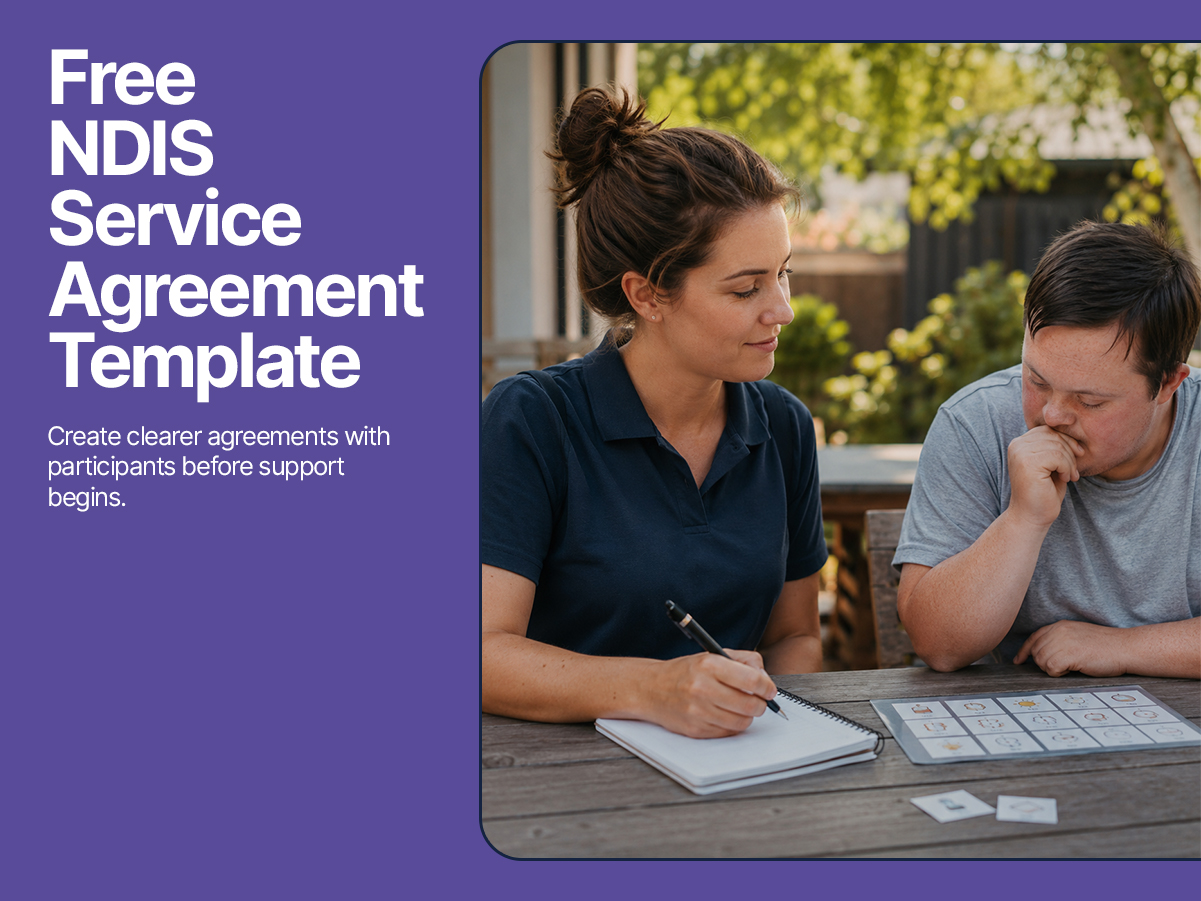
service agreements
-
participant documents
-
staff documents
-
quality and safeguarding records
-
internal templates
This matters because auditors may need to review whether your documents are current, accessible, and aligned with your organisation’s practices.
A good platform should also support version control, so your team knows which document is the latest approved version. This helps prevent staff from using outdated policies or forms.
Risk and Quality Management
Compliance is not only about having documents. It is also about showing that your organisation identifies risks, responds to issues, and improves over time.
Look for software that helps you manage:
-
risk registers
-
quality improvement actions
-
participant feedback
-
complaints
-
corrective actions
-
internal reviews
-
self-assessments against the NDIS Practice Standards
This gives your team a clearer way to track what needs attention and what has already been addressed.
Audit-Ready Evidence
When audit time comes, your team should not be hunting through emails, folders, spreadsheets, and staff memory to find evidence.
A good NDIS software platform should make it easier to access the records that show how your organisation operates.
This includes evidence of:
-
participant consent
-
service delivery
-
staff qualifications
-
incident response
-
complaints handling
-
care notes
-
policies and procedures
-
financial records
-
quality improvement actions
The easier this information is to find, the less stressful audit preparation becomes.
2. Secure and Comprehensive Record-Keeping
Poor record-keeping is one of the biggest risks for providers.
If records are incomplete, inconsistent, or difficult to access, it becomes harder to prove what happened, when it happened, who was involved, and what action was taken.
Your NDIS software should act as a single source of truth for participant and operational records.
Centralised Participant Files
Participant information should not be scattered across paper folders, email inboxes, text messages, and separate spreadsheets.
Look for software that brings participant information into one secure profile, including:
-
participant details
-
service agreements
-
support plans
-
care plans
-
goals
-
risk assessments
-
progress notes
-
incident reports
-
complaints
-
documents
-
funding and budget information
-
communication history
This helps staff understand the participant’s needs and gives managers clearer oversight.
It also helps reduce the risk of missing information when staff change, shifts are handed over, or evidence is needed for review.
Real-Time Care Notes
Support workers should be able to write notes while the information is still fresh.
Mobile-friendly progress notes are important because they allow workers to record what happened during or shortly after a shift.
This creates a clearer record of:
-
the support provided
-
participant progress
-
changes in needs or behaviour
-
concerns or risks
-
actions taken
-
follow-up required
A strong system should include time-stamped records so your organisation has a clear audit trail.
The goal is not just to write more notes. The goal is to write better, more useful notes that help the whole support team provide safer and more person-centred care.
Incident and Complaints Management
Incidents and complaints need to be recorded clearly, escalated appropriately, and followed through.
Your software should make this process easier by supporting:
-
quick incident reporting
-
complaint records
-
severity levels
-
escalation alerts
-
manager review
-
corrective actions
-
resolution notes
-
time-stamped updates
-
supporting documents
This helps your organisation show not only that an incident or complaint was recorded, but also how it was managed.
A strong platform should make the response process visible from start to finish.
3. Workforce Management and Safeguarding
The quality and safety of support depends heavily on your workforce.
If staff are not properly screened, trained, qualified, or matched to the right participant, your organisation carries serious risk.
NDIS software should help reduce the chance of human error in workforce compliance.
Intelligent Rostering and Scheduling
Manual rostering can become messy quickly, especially when your team is managing multiple participants, worker availability, qualifications, preferences, and shift changes.
Look for software that supports rostering based on:
-
staff availability
-
participant needs
-
worker qualifications
-
skills and experience
-
location
-
shift requirements
-
conflicts or restrictions
-
continuity of care
This helps reduce missed shifts, unsuitable worker allocation, and last-minute confusion.
The right system should make it easier to place the right worker with the right participant at the right time.
Automated Compliance Alerts
This is one of the most important features for providers.
Your software should track key workforce compliance requirements, including:
-
NDIS Worker Screening Checks
-
police checks
-
working with children checks, where relevant
-
first aid certificates
-
mandatory training
-
role-specific qualifications
-
licence requirements
-
induction completion
-
document expiry dates
The system should send alerts before anything expires.
This helps prevent situations where a worker is rostered without the required checks or training being current.
A spreadsheet can record an expiry date. A good system reminds the right person before that expiry date becomes a problem.
HR and Staff Records
Staff records should be centralised and easy to access.
Look for features that support:
-
staff profiles
-
training records
-
onboarding documents
-
qualifications
-
performance reviews
-
supervision notes
-
leave and availability
-
compliance documents
-
employment records
This helps your organisation demonstrate that workers are qualified, supported, and appropriate for the services they deliver.
It also makes internal management easier as your team grows.
4. Financial Integrity and Billing Automation
NDIS finance management can become complex fast.
Providers need to manage participant budgets, NDIS pricing rules, invoices, claims, payroll, and payment records accurately.
Manual finance processes increase the risk of mistakes, delays, double data entry, and non-compliant claiming.
The right software should help protect financial integrity.
NDIS Pricing Integration
Your software should support the current NDIS Pricing Arrangements and Price Limits.
This helps ensure services are billed according to the correct rules and price limits.
Look for a system that helps reduce manual pricing errors by applying the correct rates where possible.
This is especially important when your team is managing multiple services, line items, participant plans, and support categories.
Real-Time Budget Tracking
Participants and providers need clear visibility over funding.
Software should help track participant budgets in real time, including:
-
allocated funding
-
used funding
-
remaining budget
-
service bookings or planned supports
-
alerts for potential overuse
-
reporting for participants, families, or plan managers
This helps providers manage funding responsibly and communicate more clearly with participants and their support networks.
It also reduces the risk of unexpected budget issues later.
Automated Invoicing and Bulk Claims
Manual invoicing and claiming can drain hours from your admin team.
A strong platform should support:
-
automated invoice creation
-
bulk claim preparation
-
job-to-invoice workflows
-
reduced double data entry
-
NDIS claim records
-
integration with accounting platforms where needed
-
clearer payment tracking
This improves cash flow, reduces administrative workload, and lowers the risk of human error.
When completed shifts, approved timesheets, invoices, and claims are connected, your team spends less time fixing admin and more time improving operations.
5. Security, Access Control, and Privacy
NDIS providers hold sensitive participant and staff information.
That means your software must support strong privacy and security practices.
Look for features such as:
-
secure cloud-based storage
-
user permissions
-
role-based access
-
password protection
-
audit logs
-
data backups
-
secure document storage
-
controlled access to participant records
Not every staff member should have access to every piece of information.
A good system should allow your organisation to control who can view, edit, approve, or export certain records.
This protects participant privacy and supports stronger internal governance.
6. Reporting and Oversight
Compliance becomes harder when leaders cannot see what is happening across the organisation.
The right NDIS software should give managers clear reporting and visibility.
Useful reporting features may include:
-
expiring staff documents
-
incomplete progress notes
-
open incidents
-
unresolved complaints
-
missed shifts
-
budget usage
-
upcoming reviews
-
worker compliance status
-
participant service history
-
quality improvement actions
Good reporting helps your team identify issues before they become bigger problems.
It also helps leaders make better operational decisions.
7. Ease of Use for Staff
Even the best compliance system will fail if staff do not use it properly.
Your software needs to be practical for the people doing the work every day.
Look for a platform that is:
-
easy to navigate
-
mobile-friendly
-
simple for support workers to use
-
clear for admin staff
-
practical for managers
-
fast enough for daily workflows
-
supported by training and onboarding
If software feels too complicated, staff will find workarounds.
And workarounds are where compliance gaps usually begin.
The best system is not always the one with the longest feature list. It is the one your team can actually use consistently.
8. Integration Across the Whole Organisation
One of the biggest problems with disconnected tools is that each team ends up working from a different version of the truth.
Rostering has one set of information. Finance has another. Support workers have another. Managers have another.
A strong NDIS software platform should connect the major parts of your organisation, including:
-
CRM and referrals
-
participant onboarding
-
service agreements
-
rostering
-
progress notes
-
incident management
-
staff compliance
-
invoicing
-
payroll
-
reporting
This helps reduce double-handling and creates a more connected workflow from first enquiry through to service delivery, billing, and reporting.
NDIS Software Compliance Checklist
When comparing NDIS software platforms, use this checklist.
Governance and Operations
-
Central policy and document library
-
Version control for policies and procedures
-
Quality improvement tracking
-
Risk management tools
-
Participant feedback records
-
Audit evidence storage
-
Internal review support
Participant Records
-
Centralised participant profiles
-
Service agreements
-
Support plans and care plans
-
Progress notes
-
Incident reports
-
Complaints records
-
Document storage
-
Time-stamped audit trails
Workforce Compliance
-
Staff profiles
-
Training records
-
Qualification records
-
Worker screening checks
-
Expiry alerts
-
Availability and leave management
-
Performance and supervision records
Rostering and Service Delivery
-
Intelligent scheduling
-
Staff-to-participant matching
-
Shift records
-
Mobile access for workers
-
Missed shift visibility
-
Real-time updates
-
Continuity of care support
Finance and Billing
-
NDIS pricing support
-
Participant budget tracking
-
Invoice automation
-
Bulk claiming
-
Job-to-invoice workflows
-
Claim records
-
Accounting integration
-
Reduced double data entry
Security and Privacy
-
Role-based permissions
-
Secure document storage
-
Data protection
-
Audit logs
-
Controlled access
-
Secure backups
Reporting and Oversight
-
Compliance dashboards
-
Expiring document reports
-
Incident and complaint reports
-
Budget reports
-
Workforce compliance reports
-
Operational performance reports
The Right Platform Is a Strategic Investment
Choosing NDIS software is not just about reducing admin.
It is about building a stronger operating system for your provider organisation.
The right platform can help your team:
-
stay more audit-ready
-
reduce manual admin
-
improve record accuracy
-
support safer care delivery
-
manage staff compliance
-
reduce billing errors
-
improve visibility across the organisation
-
make evidence easier to find
-
build a more confident workforce
Compliance should not depend on memory, scattered documents, or last-minute preparation.
It should be built into the way your team works every day.
By using this checklist, you can compare NDIS software platforms more clearly and choose a system that supports not only compliance, but better care, stronger operations, and long-term growth.
Sources and References
-
NDIS Quality and Safeguards Commission. NDIS Practice Standards and Quality Indicators. Retrieved from https://www.ndiscommission.gov.au/providers/provider-registration/ndis-practice-standards-and-quality-indicators
-
NDIS Quality and Safeguards Commission. Common mistakes for providers. Retrieved from https://www.ndiscommission.gov.au/providers/provider-compliance/common-mistakes-providers
-
NDIS Quality and Safeguards Commission. NDIS Provider Registration. Retrieved from https://www.ndiscommission.gov.au/providers/provider-registration
-
Australian Government, Department of Social Services. Review of the National Disability Insurance Scheme. Final Report.
-
National Disability Insurance Agency. NDIS Provider Toolkit. Retrieved from https://www.ndis.gov.au/providers/provider-toolkit
-
Australian Competition and Consumer Commission and NDIS Quality and Safeguards Commission. Fair and Ethical: A Guide for NDIS Providers. Retrieved from https://www.accc.gov.au/publications/fair-and-ethical-a-guide-for-ndis-providers
-
NDIS Quality and Safeguards Commission. Modules for NDIS Practice Standards. Retrieved from https://www.ndiscommission.gov.au/providers/ndis-practice-standards/modules
-
NDIS Quality and Safeguards Commission. Changes to the NDIS Practice Standards. Retrieved from https://www.ndiscommission.gov.au/resources/changes-ndis-practice-standards
-
NDIS Quality and Safeguards Commission. Understanding the Audit Process. Retrieved from https://www.ndiscommission.gov.au/providers/provider-registration/audits
-
NDIS Quality and Safeguards Commission. Stages of an NDIS Audit. Retrieved from https://www.ndiscommission.gov.au/providers/provider-registration/audits/stages-audit